
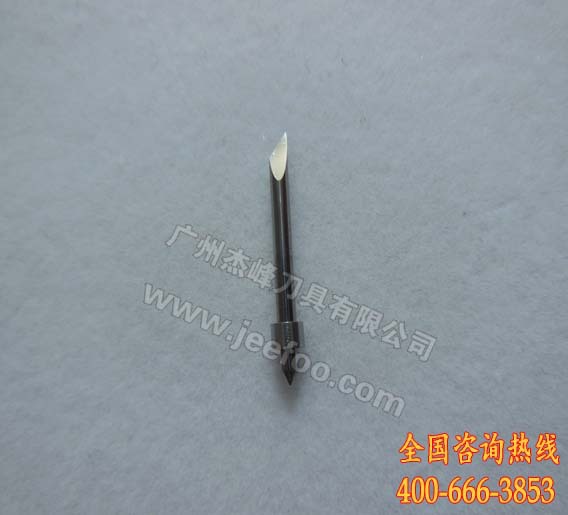
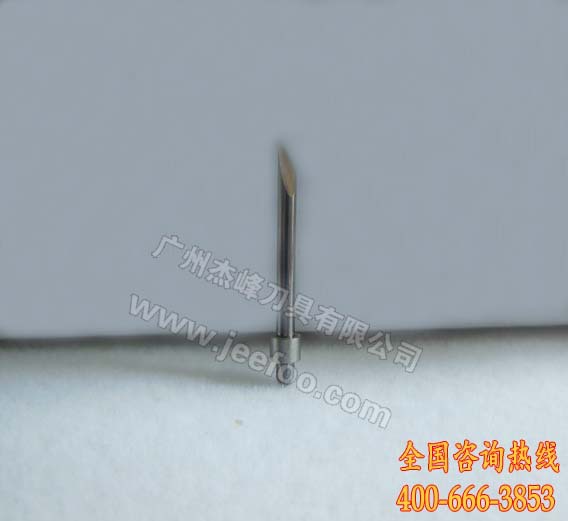
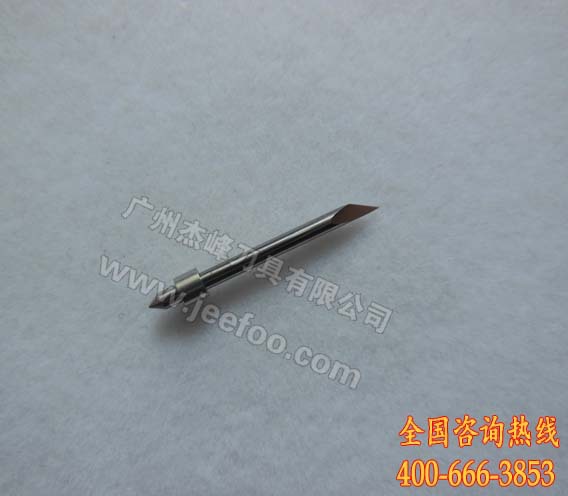
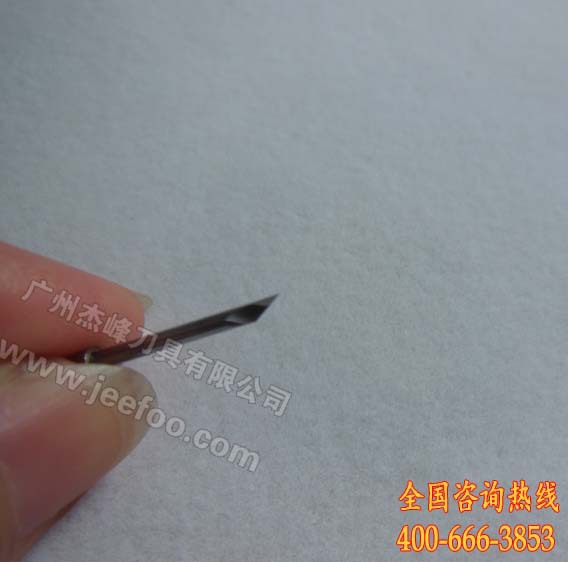
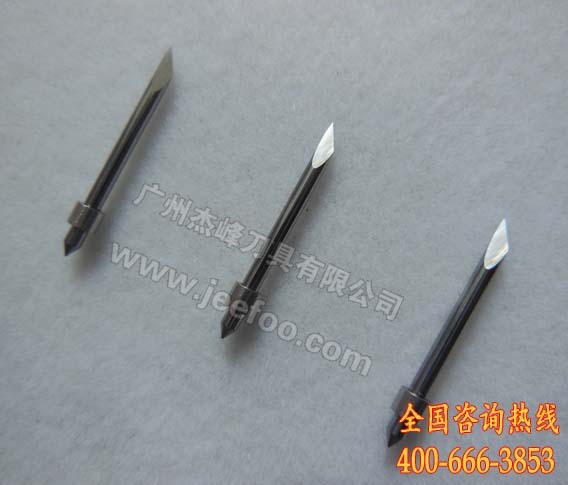
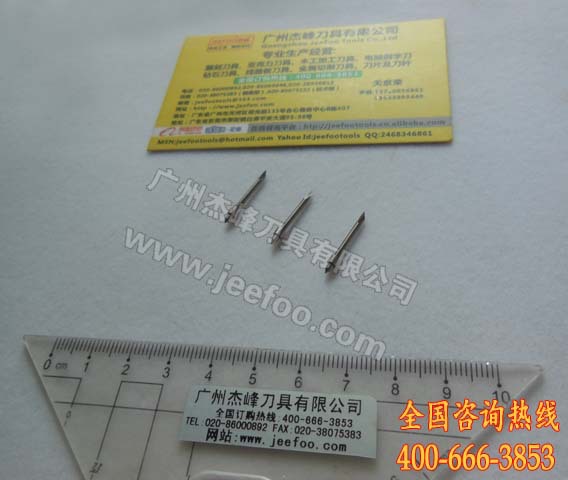
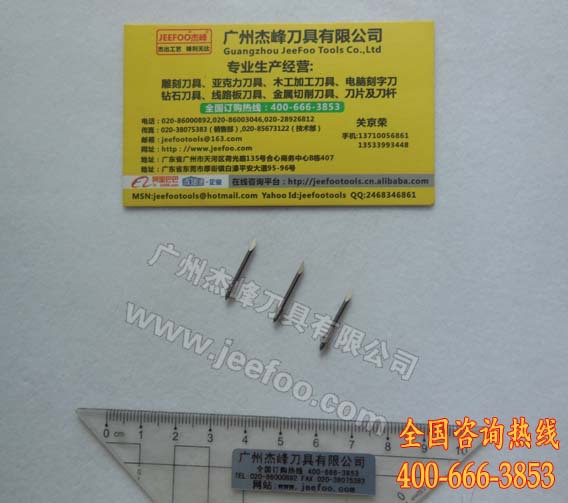
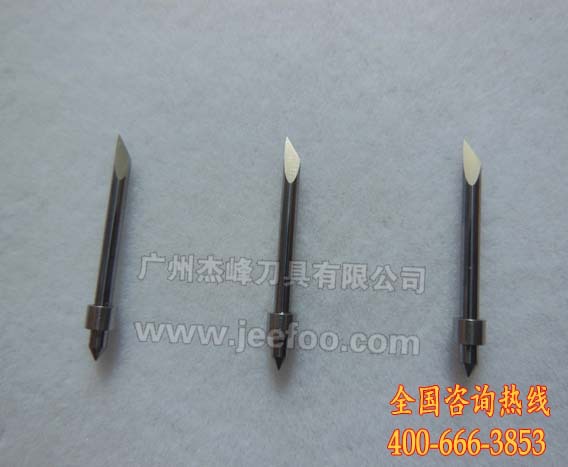
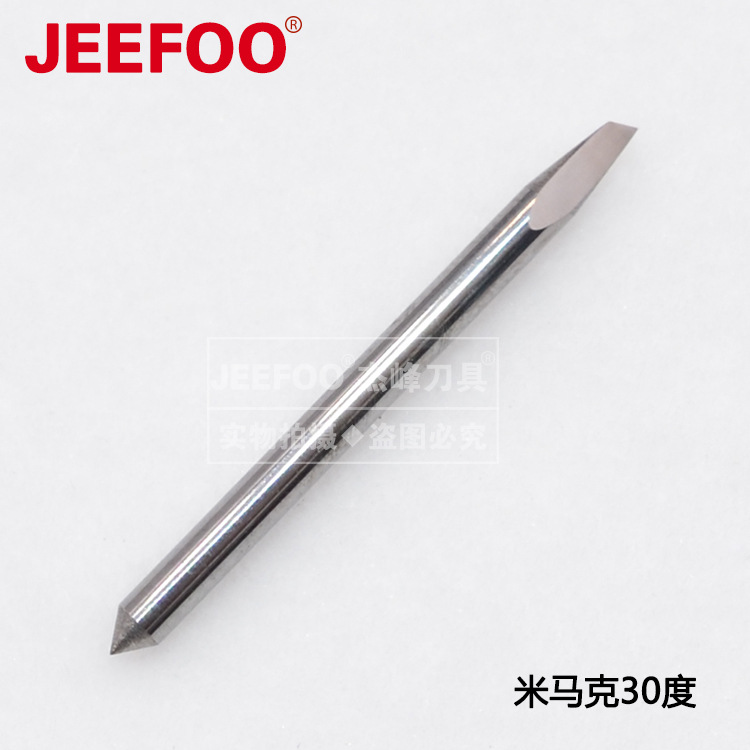
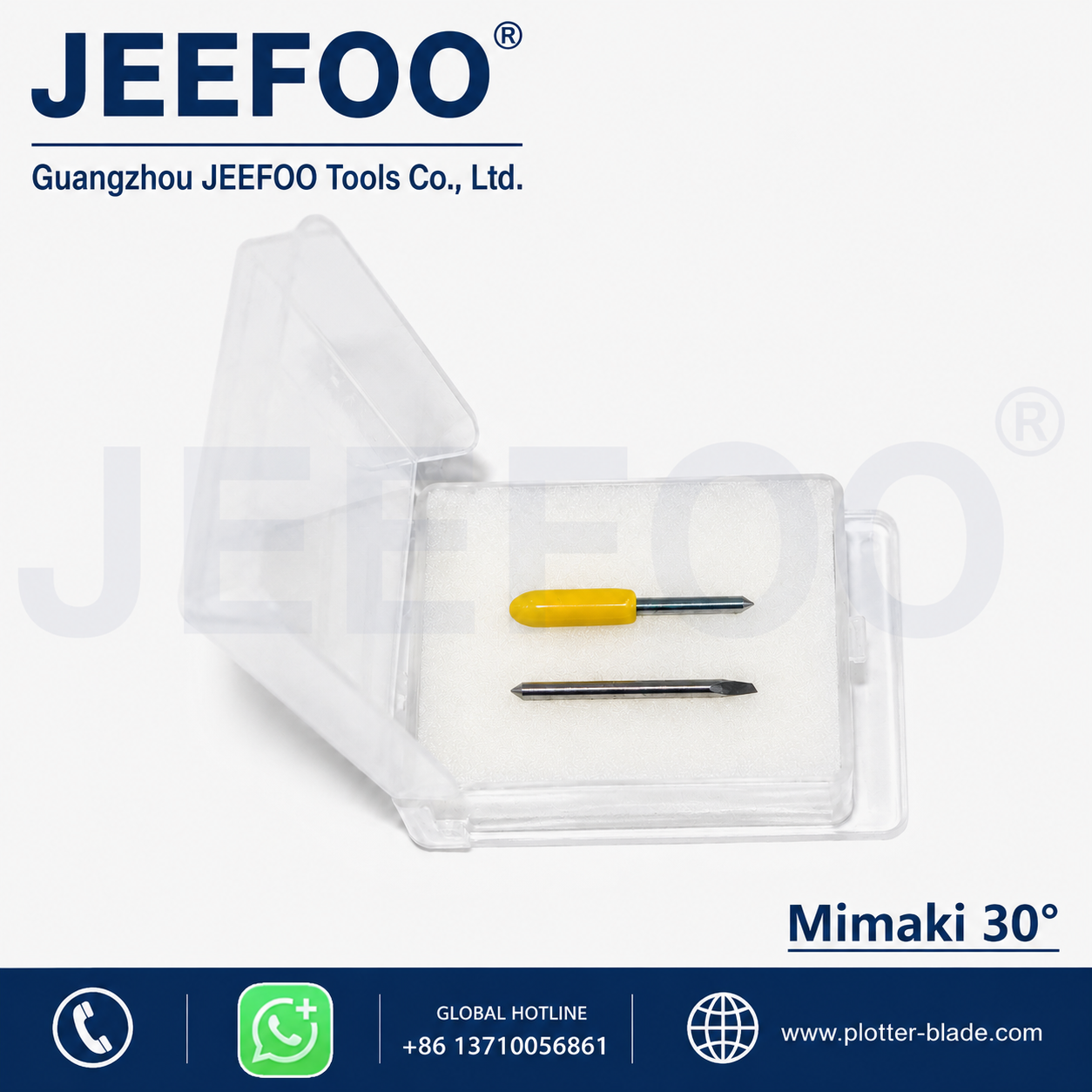
武藤刻字刀片是一款用于匹配武藤刻字机刀座的替换刀片。本页原始产品参数标注:刀片长度20 mm,可选30°、45°和60°,基材为株洲产超细晶粒硬质合金,硬度HRA92,抗弯强度高于4000 N/mm²。上述材料性能属于本页供应商提供的数据;实际兼容性和切割效果应以具体设备、刀座与材料试切结果为准。
武藤刻字刀片参数概览
- 本页标注材质:超细晶粒硬质合金
- 本页标注硬度:HRA92
- 本页标注抗弯强度:高于4000 N/mm²
- 刀片长度:20 mm
- 可选刀尖角度:30°、45°、60°
- 适用范围:与尺寸匹配的武藤刻字机刀座
如何选择30°、45°或60°刀片
角度不是判断兼容性的唯一条件。选择武藤刻字刀片时,应先核对刻字机型号、刀座内径、刀片总长和设备说明书,再结合材料厚度、表面膜层、图形尺寸与排废要求进行试切。一般来说,材料与图形越复杂,越需要通过小样确认刀尖伸出量、刀压、速度和偏移补偿,而不能只依据角度直接下结论。
安装与试切步骤
- 关闭设备并清洁刀座,确认轴承转动顺畅。
- 检查刀尖是否存在缺口、磨损或碰撞痕迹。
- 将刀片装入匹配刀座,控制伸出量,使其刚好切穿面材并尽量不伤底纸。
- 先切割小型文字、圆弧和尖角测试图,再逐步调整刀压、速度与偏移量。
- 观察切口、转角、排废和底纸压痕,记录适用于当前材料的参数。
武藤官方的ValueCut II 用户手册可作为设备系列与原厂配置的参考,但该手册并不验证本页替换刀片的HRA92、20 mm等供应商参数。具体型号仍应以设备铭牌和对应手册为准。其他规格可查看武藤刻字刀系列。
常见问题与故障检查
武藤刻字刀片是否适配所有武藤设备?
不能仅凭品牌判断。本页产品长度为20 mm,订购前仍需核对具体机型、刀座结构、内径和刀片安装尺寸。
出现拉膜、毛边或切不断怎么办?
依次检查刀尖磨损、刀座轴承、刀片伸出量、材料固定、刀压、速度和偏移补偿。更换材料或刀片后应重新试切。
如何延长刀片使用时间?
避免刀尖跌落或接触金属、玻璃等硬物;保持刀座清洁;不要让刀片伸出过长;在满足切穿面材的前提下使用合理刀压。
Mutoh Cutting Blade: English Specification Summary
The Mutoh cutting blade on this page is presented as a replacement blade for a compatible Mutoh cutting-plotter blade holder. The page-supplied specifications state a total blade length of 20 mm, available tip angles of 30, 45 and 60 degrees, ultra-fine-grain carbide material, HRA 92 hardness and flexural strength above 4000 N/mm². These are supplier-stated product figures, not independent certification. Buyers should confirm the machine model, holder dimensions and operating requirements before ordering.
Compatibility checklist
Do not assume that every Mutoh machine uses the same blade or holder. First identify the exact plotter model from the equipment label. Then compare the holder type, blade diameter, overall length, seating position and supported offset values. The official manual for the exact machine remains the primary reference for setup. If the manual and the replacement-blade listing differ, stop and verify the dimensions before installation.
Angle selection and test cutting
A blade angle alone does not determine performance. Film thickness, liner condition, adhesive, surface coating, character size, corner detail and weeding requirements all affect the result. Begin with a small test pattern containing fine text, curves and sharp corners. Set the blade extension only far enough to cut the face material without deeply marking the liner. Start with conservative force and speed, then adjust one parameter at a time. Record the successful settings for each material.
Troubleshooting guide
If the blade drags the film, inspect the tip for damage and confirm that the holder bearing rotates freely. If sections remain uncut, check blade extension, force, material flatness and tip wear. If corners lift or become distorted, review speed and offset compensation. Replace a chipped blade rather than increasing force, because excessive pressure can damage the liner and reduce detail quality.
Maintenance and safe handling
Keep the blade tip away from hard surfaces and store spare blades in protective packaging. Remove dust and adhesive residue from the holder without forcing the bearing. Re-run the test cut after changing media, blade angle or holder. This workflow helps distinguish a blade problem from a setup, holder or material problem and provides more repeatable cutting results.


发表回复
要发表评论,您必须先登录。