
罗兰刻字机刀片A款提供30°、45°和60°三种刀尖角度,适用于匹配的罗兰不干胶刻字机。可根据切割材料、设备要求和工艺需要选择对应角度。
罗兰刻字机刀片可选角度
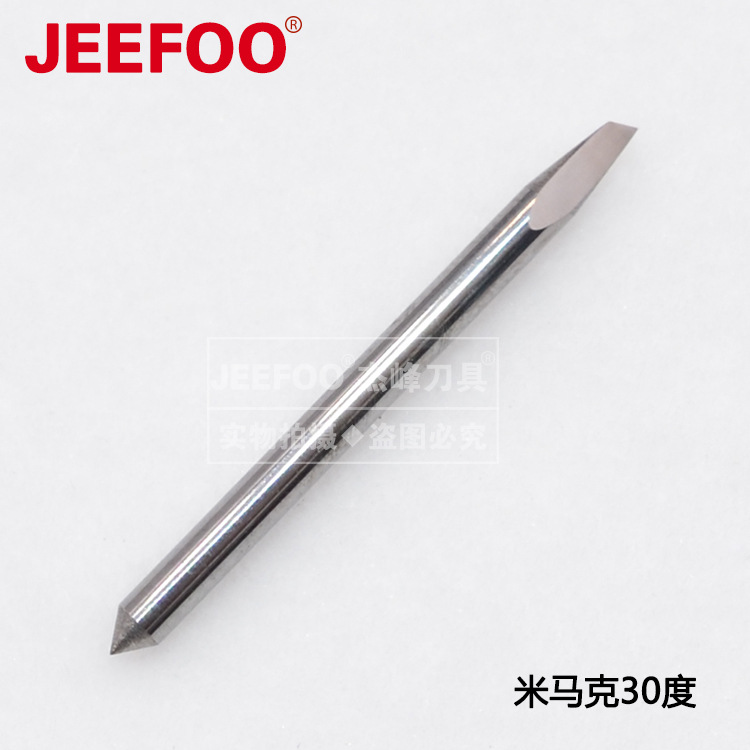
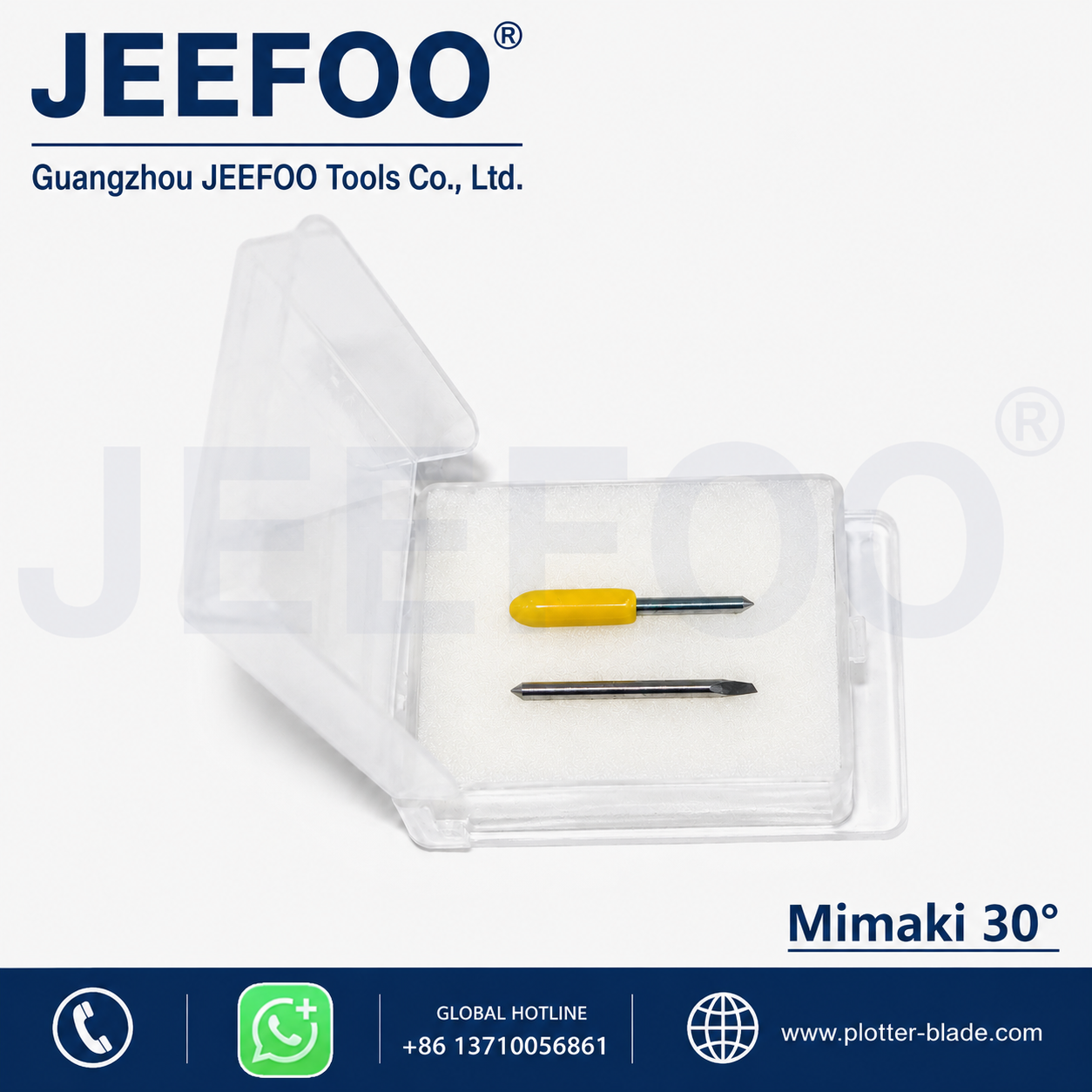
- 30°罗兰刻字刀
- 45°罗兰刻字刀
- 60°罗兰刻字刀
订购前的选型确认
订购前请确认刻字机型号、刀座规格、切割材料和所需刀尖角度,避免型号不匹配。较小刀尖角通常用于较薄材料,较大刀尖角可用于需要更长刃部接触的材料,但最终选择必须以设备说明、刀座兼容性和实际试切结果为准。
更换旧刀片时,应同时核对原刀片角度、刀柄尺寸、刀座结构和设备参数。只有角度相同并不代表所有规格都完全兼容。
安装与试切步骤
- 安装前清洁刀座,确认内部没有碎屑或残胶。
- 检查刀尖是否有缺口、弯曲或污染。
- 调整刀尖伸出量,只需足以切穿面材,不应明显划伤底纸。
- 先以低风险参数进行小面积试切。
- 逐步调整刀压、速度和偏移补偿。
- 检查直线、圆角、小字和排废效果后再正式加工。
Roland DGA的官方资料说明,设备偏移设置应与刀片偏移相匹配。可参考Roland刀尖偏移设置说明,再结合实际设备手册完成参数确认。
使用与维护
避免刀尖跌落或与硬物碰撞。切换材料时应重新试切。出现毛边、拉膜、转角不闭合或切割深度不均时,可依次检查刀片磨损、刀座转动、刀尖伸出量、刀压、速度和偏移设置。
如果刀片表面有残胶或碎屑,应在断电并取下刀片后进行清理。发现刀尖缺口、弯曲或明显磨损时,应更换刀片,而不是单纯继续增加刀压。
相关罗兰刻字刀规格
更多同类规格可查看罗兰刻字刀系列。选择时请比较刀尖角度、刀柄与刀座兼容性,并以设备说明和试切结果为最终依据。
English specification summary
The A-series Roland-style cutting blade is available with 30-degree, 45-degree and 60-degree tip angles. The page does not state that one angle is correct for every job. The correct choice depends on the cutting material, the compatible blade holder, the cutter model and the settings recommended for that equipment.
Before ordering, compare the required blade angle with the existing blade and the equipment documentation. Also check the blade-shank and holder specification. A matching angle by itself is not enough to prove compatibility. When a blade is installed, keep the exposed tip only long enough to cut the face material without visibly damaging the backing paper.
Installation and test-cut checklist
- Clean the blade holder and remove debris or adhesive residue.
- Inspect the blade tip for chips, bending or contamination.
- Confirm the selected 30°, 45° or 60° angle.
- Check the holder and cutter requirements before installation.
- Start with a small test cut and low-risk settings.
- Adjust blade force, speed and offset step by step.
- Review straight lines, corners, small text and weeding results.
Roland DGA documentation states that the machine offset setting should match the blade offset. The official reference linked above can be used together with the manual for the specific cutter. Settings should not be copied from another machine without checking the blade and equipment requirements.
Troubleshooting sequence
If the cut shows rough edges, pulled vinyl, open corners or uneven depth, inspect the blade before increasing force. Check for wear or damage, verify that the holder rotates correctly, confirm the exposed-tip length and then review force, speed and offset. Increasing force alone can hide the original cause and may mark the backing paper.
When changing to a different material, run another test cut. A setting that worked for one material is not automatically suitable for another. Replace a blade that has a chipped, bent or visibly worn tip instead of compensating only through higher cutting pressure.
What this page confirms
This page confirms three available tip angles for the A-series blade: 30°, 45° and 60°. It also provides a selection, installation and maintenance workflow. Final compatibility must be confirmed from the cutter model, holder specification, equipment instructions and an actual test cut.
常见问题(FAQ)
A款罗兰刻字机刀片有哪些角度?
当前页面明确列出30°、45°和60°三种刀尖角度。订购时需要确认具体角度。
只确认刀尖角度就能保证兼容吗?
不能。还需要核对刻字机型号、刀座规格、刀柄尺寸和设备说明,并通过小面积试切确认。
安装后应先检查什么?
先检查刀座清洁度、刀尖状态和伸出量,再以低风险参数试切,逐步调整刀压、速度和偏移补偿。
出现毛边或转角不闭合怎么办?
可依次检查刀片磨损、刀座转动、刀尖伸出量、刀压、速度和偏移设置,不应只通过增加刀压处理。



发表回复
要发表评论,您必须先登录。